
Your private
HoyoVerse playground.
GenshinCC is an open-source toolkit for hosting your own private servers for Genshin Impact, Honkai: Star Rail and Zenless Zone Zero. Test unreleased characters, unlock everything, mod content, and play offline. No accounts, no risks, just full creative freedom.

Everything Hoyo locked away — unlocked.
A complete server toolkit, designed for developers, content creators and curious players who just want to see what's behind the curtain.
Unreleased Characters
Test characters that are still in development before they hit the official servers.
Full GM Commands
Spawn anything, level anything, teleport anywhere. Full server control via in-game console.
Account Isolation
Your private server account is fully separate from your retail one. Zero risk of bans.

Cross-Version Switching
Switch between game versions on the fly to test old or upcoming patch content.

Offline Play
No internet? No problem. Run everything locally and enjoy the world solo.

Open Source
Every line of code is on GitHub under MIT. Read, fork, and contribute.

Test characters before anyone else.
GenshinCC unlocks units that aren't on live servers yet. These character previews are still in development — playable today inside the toolkit.
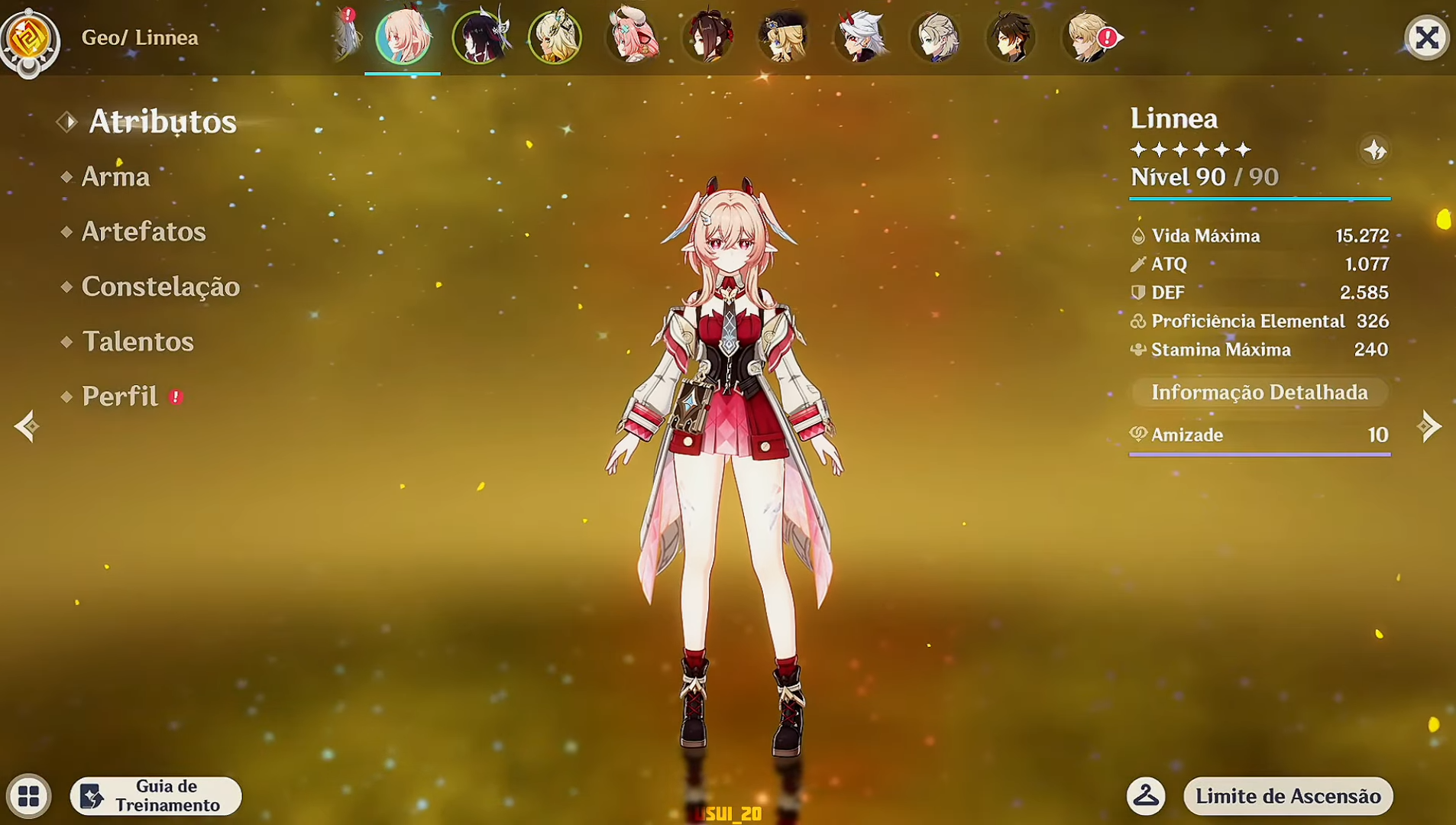
A new five-star Pyro polearm character from the upcoming Snezhnaya region — only accessible right now via GenshinCC.
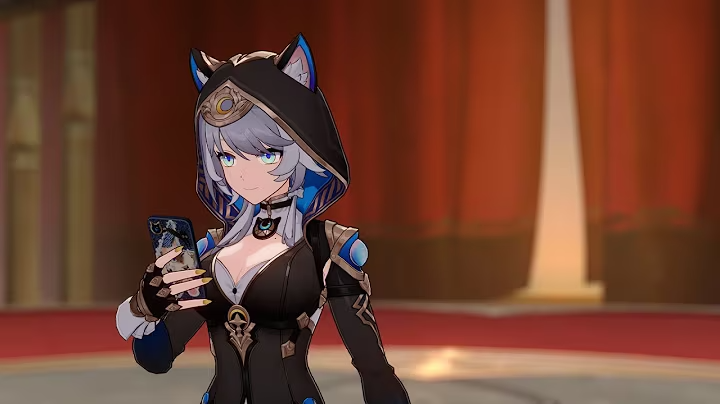
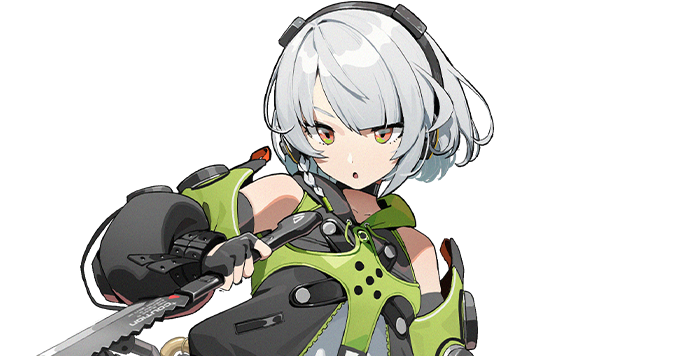
An unreleased Imaginary path destruction unit with a fresh ultimate animation tested by community datamines.
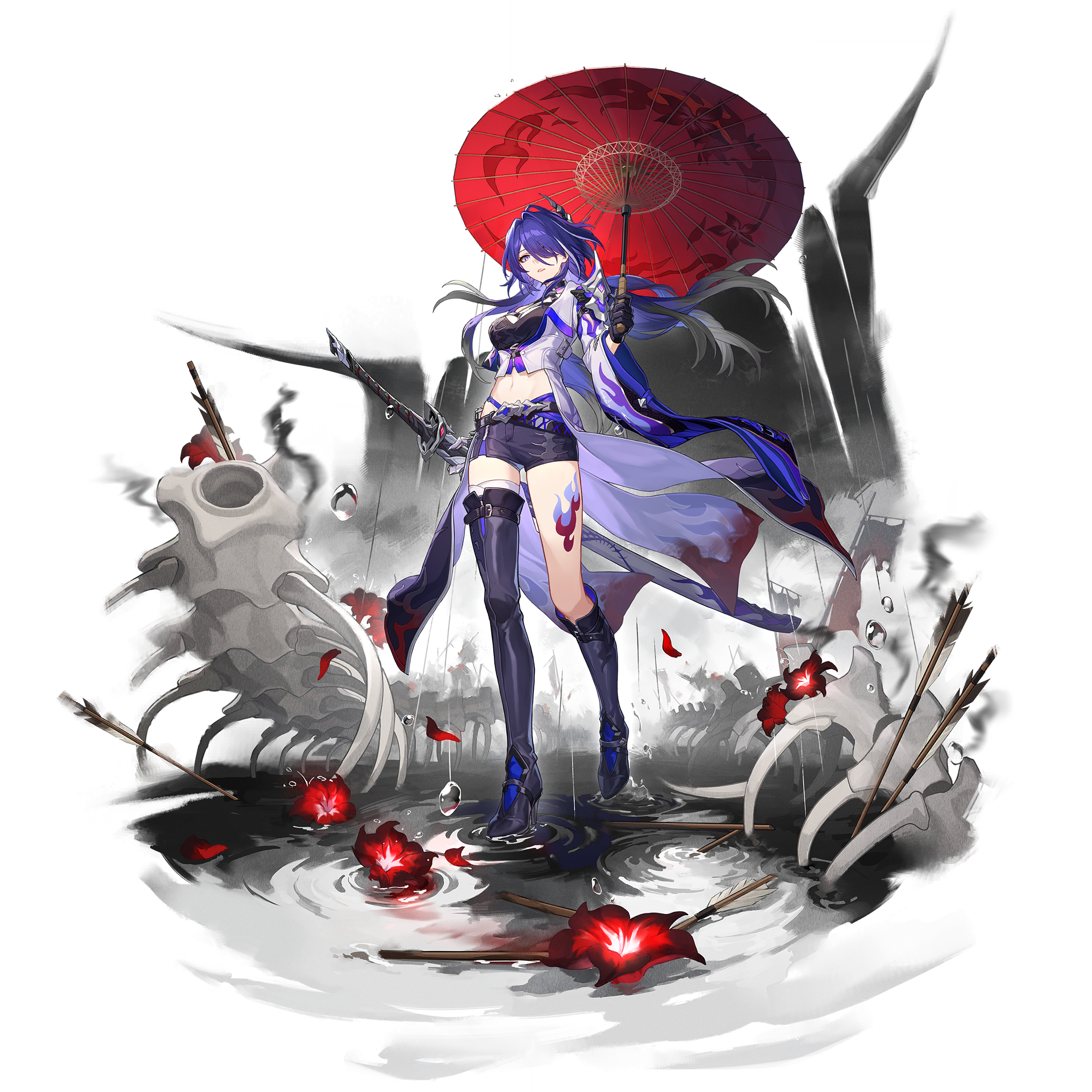
Brand-new S-Rank Electric attacker from the Sons of Calydon faction — playable in GenshinCC weeks before global release.

One toolkit, three clients.
Pick the GenshinCC build that matches the game you want to host. Same launcher, same UX, tuned for each title.
GenshinCC for Genshin

Full-featured private server toolkit for Genshin Impact. Spawn any character, unlock all regions, host LAN co-op, and access content still in development.
GenshinCC for Star Rail

Star Rail private server in a single binary. All characters and Light Cones available, with Memory of Chaos and Pure Fiction unlocked from day one.
GenshinCC for ZZZ
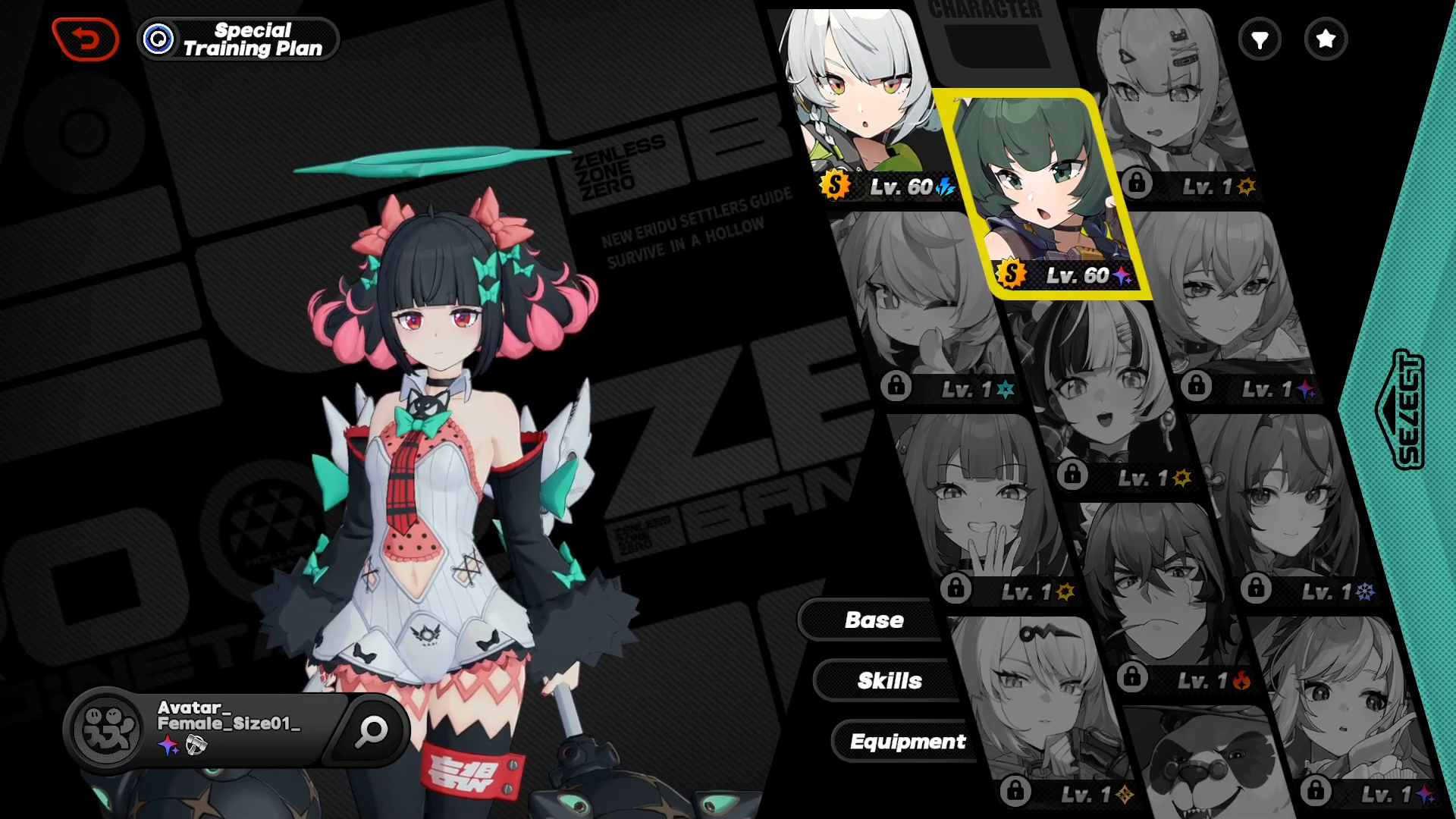
The newest member of the GenshinCC family. Brings full agent rosters, Hollow Zero runs, and combat assistant testing to your local machine.

Up and running in 5 simple steps.
No scripts, no command line necessary. Just download, install, and play.
Open archive
Extract the GenshinCC archive you downloaded into any folder. Use 7-Zip or WinRAR if Windows fails to open it natively.
Turn off Game and Antivirus
Close the retail game completely and temporarily disable real-time antivirus protection so the loader can patch memory.
Type password (mihoyo)
When the installer prompts you for an archive password, enter exactly: mihoyo (lowercase, no spaces).
Open program
Run GenshinCC.exe (or the matching launcher for HSR / ZZZ). Confirm any UAC prompts so the proxy can bind to port 443.
Wait 2-3 min, your game will start automatically
GenshinCC handles the rest: it patches the client, spins up the local server, and launches the game. Sit back and let it cook.
Disclaimer. GenshinCC is a fan-made, open-source educational project. It is not affiliated with, endorsed by, or sponsored by miHoYo, HoYoverse, or COGNOSPHERE. All trademarks belong to their respective owners. Use private servers responsibly and never with your retail account.